Nine primary-source selections dated October 7, checked against 24 stories across the preceding three editions. Microsoft MXC and Copilot local sandboxing are combined into one story. This is direct source selection, not a comprehensive popularity ranking.
Bilingual summaries faithfully condense original sources and related official documentation, independently reviewed by AI without newsletter commentary. Each Chinese summary targets about 500 characters, with primary sources for technical details and usage limits. Source date precision is retained without inventing UTC timestamps.
No matching picks. Try another keyword or reset the filters.
Illustration unavailable
AI-generated concept illustration: An abstract conversation connects to charts and interactive cards. Not an actual product screenshot or event photograph.
OpenAI is rolling out GPT-6 with Intelligent UI in ChatGPT's Chat tab. Answers can combine text, charts, buttons, forms and interactive tools, appearing progressively while the model continues thinking. Rollout starts October 7 for Plus, Pro, Business and Enterprise, and October 8 for Free and Go, subject to enterprise settings. Plus, Pro, Business and Enterprise use GPT-6 Sol; Free and Go use GPT-6 Luna. Work and Codex models are unchanged. Official help limits Intelligent UI to Instant through Extra High reasoning: Pro effort still uses GPT-6 Astra and does not support it. It is rolling out on the web and supported updated apps; older macOS and Windows desktop apps are unsupported. On the web, turning off Layout and visuals reduces visual elements but does not guarantee text-only answers. Intelligent UI has no separate quota; existing model, tool and plan allowances apply.
OpenAI previewed College Planner for ChatGPT for Teens. Initially aimed at US grades 10–12 applying to four-year colleges, it will collect requirements, deadlines, tasks and financial-aid steps in one plan; broader coverage is planned. It also helps track aid deadlines and explore scholarships and fee waivers. The announcement also describes quizzes from notes and multi-photo capture that combines pages into a PDF on iOS, with Android forthcoming. OpenAI is also supporting an independent student advisory council at Boston Children’s Hospital. The flashcard help page explains that students can build cards from a topic or uploaded notes, flip them, mark answers they know or need to practice, and shuffle the deck. Decks save automatically in Library and can be reopened or recalled in chat. Students can request additions, simpler definitions or corrections in the conversation. The guidance recommends checking cards against original notes or study guides, especially before an exam. The council’s own page describes two tracks: high-school students aged 14–18 develop individual community digital-wellbeing projects, while students aged 16–20 test emerging AI tools together and coauthor industry recommendations. Participants learn from researchers and clinicians from October 2026 through May 2027. Regular meetings are virtual, participation is free, and applications for that school year have closed.
Google introduced Playground, an experimental browser platform where prompts control game rules, physics, characters and environments. Creations can stay private, be shared by link or enter a screened public gallery; selected genres support multiplayer. Launch is for US adults, with creation access rolling out by Google AI membership tier. Unity Spark integration remains in testing, with a closed beta still forthcoming. Official help separates playing from creating: the catalog is free to play; free creation tokens refresh weekly, with access via a waitlist, while subscriptions unlock immediate creation access. Creation Studio can export a ZIP containing HTML, JavaScript, CSS and generated assets. Published games remain editable, with changes kept as drafts until republished and the existing public version remaining playable. Credits are deducted only after successful compilation into a playable game; failed or timed-out generation automatically refunds them. Additional terms state that unlisted games remain accessible to link holders, and public games may be discovered on other Google products. Google does not claim ownership of users’ games but retains rights to its supplied features, services and assets. Creators must secure required permission for people’s images and third-party intellectual property and must not remove AI-origin watermarks, labels or metadata.
AI-generated concept illustration: A magnifier examines abstract marks on image, audio and video cards. Not an actual product screenshot or event photograph.
Google expanded SynthID Detector from a media-professional trial to global public access in English. It checks images, video and audio for AI generation by Google and partners including OpenAI, NVIDIA and Kakao, with Apple forthcoming. The expansion complements existing verification in Search, Gemini and Chrome. The technical overview explains that SynthID embeds imperceptible watermarks when content is generated. Image and video marks are designed to survive cropping, filters, frame-rate changes and lossy compression while preserving quality. Audio marks cover content such as Lyria output and NotebookLM podcasts and are designed to withstand added noise, MP3 compression and speed changes. Identification relies on embedded marks, rather than universal detection of every AI-generated item. The original 2025 announcement described uploading content, scanning for watermarks and highlighting likely marked portions, such as audio segments or image areas. Applications initially opened to journalists, media professionals and researchers. Google’s Gemini help cautions that repeated alterations can prevent watermark detection, while simple or abstract content and small edits can be inconclusive. SynthID verification inside Gemini currently recognizes Google AI content only, unlike the partner coverage announced for Detector. Failure to find a Google watermark does not rule out generation by another AI system.
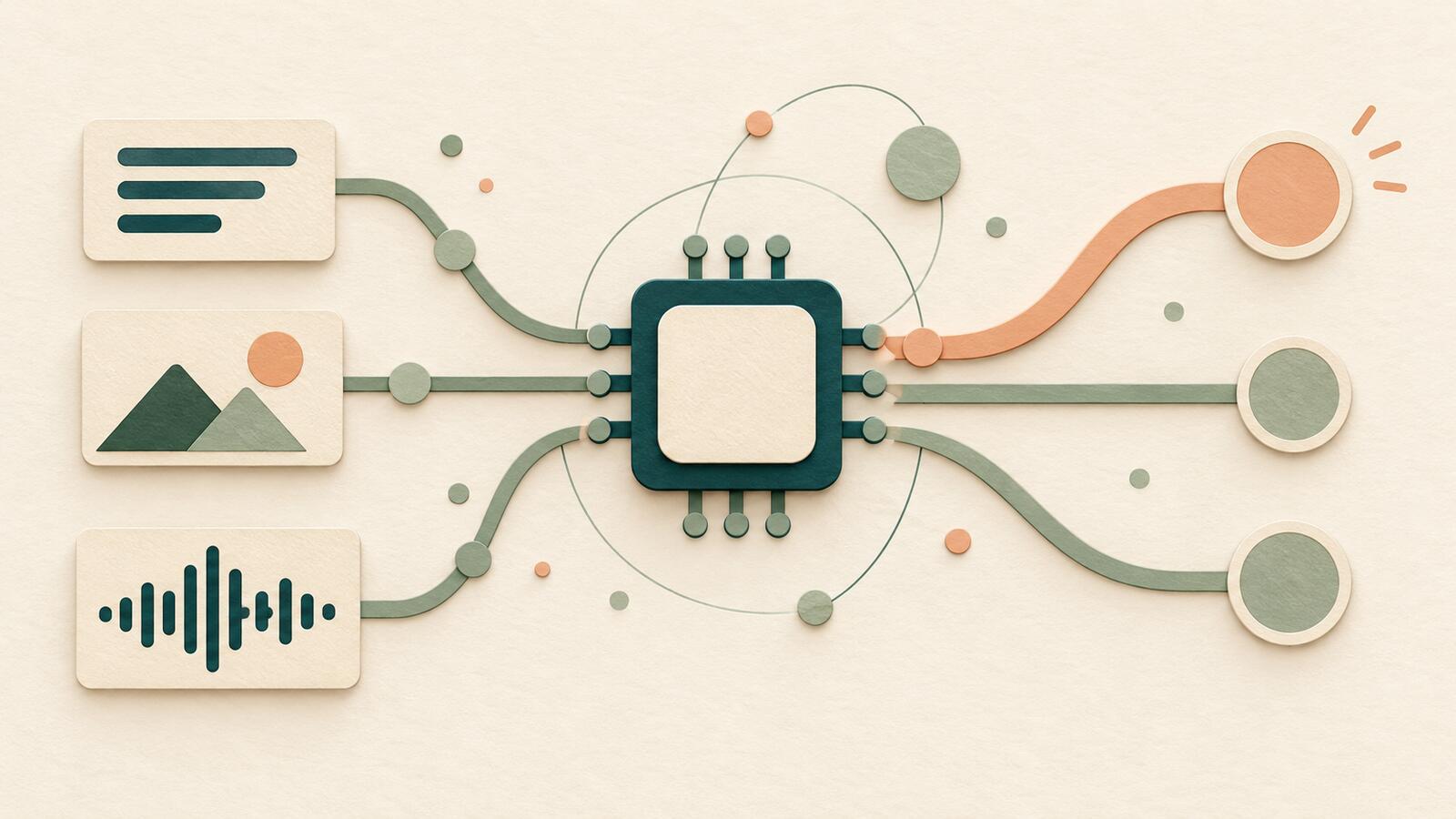
AI-generated concept illustration: A compact chip receives multimodal cues and selects branching options. Not an actual product screenshot or event photograph.
Liquid AI released open-weight d1-3B and d1-omni-600M on Hugging Face. These decision models return structured judgments without generating output tokens, so the announcement reports end-to-end latency. d1-3B supports text and vision; d1-omni-600M is an experimental checkpoint handling text with images or audio. The release includes llama.cpp support and vendor measurements across hardware and workloads. Reported inference latency is for d1-3B; d1-omni-600M remains an early research release. The model cards describe a state plus named questions, returning yes/no probabilities, named choices or ratings. d1-3B is based on LFM2.5-VL-3B, with about 3.12 billion parameters and 32,768-token context; it is not a chat model and does not write text. The approximately 587-million-parameter omni checkpoint shares its trunk across modalities. A request may carry images or one audio clip, not both. Audio training used English-speaker/assistant requests and clips are cut at 30 seconds. With images, state and question text is limited to 896 tokens. Both cards list the LFM 1.0 license.
AI-generated concept illustration: Security gates, a key and an inspection lens around a server. Not an actual product screenshot or event photograph. Reused illustration, not newly created for this story.
GitHub made local sandboxing generally available in Copilot CLI, the Copilot app and VS Code Agent Host sessions. Microsoft Execution Containers maps policies to native controls on Windows, macOS and Linux, restricting tool access to files, networks, credentials and other capabilities. Enterprise policies can require boundaries developers cannot weaken. Tool isolation is separate from model choice. Local sandboxing is included with Copilot at no additional charge, while containment options differ by operating system. Microsoft distinguishes process containers on Windows 11, macOS and Linux; session and WSL containers on Windows 11 only; and experimental MicroVMs on Windows 11/Linux. Policies cover processes, files, networks and UI resources, outside the agent’s control. Windows process containers can report activity: Learning mode blocks and records ungranted access, while Permissive mode allows and records it. Intune process-container management and Entra/Agent 365 extensions are still forthcoming.
Copilot CLI 1.0.94-0 adds /model discovery for running Ollama models. Users review the provider and endpoint, then explicitly add a model with or without switching. Ollama and models must already be installed; tool calling and streaming are required. Local selection neither enables offline mode nor disables GitHub telemetry. The CLI reference supports OpenAI-compatible endpoints, Azure OpenAI and Anthropic, configured through environment variables for the endpoint and model. Unauthenticated local Ollama needs no API key. Separately setting COPILOT_OFFLINE=true prevents GitHub-server connections; a remote provider still receives prompts and code over the network. The reference recommends at least 128k-token context; missing tool calling or streaming produces an error. Separately, the app documentation marks custom providers as public preview. GitHub sign-in is required, but using only an external provider needs no Copilot plan. Providers are added under Model providers in settings; their models appear alongside GitHub-hosted options. Credentials stay in the system credential store and are not shown in the UI.
AI-generated concept illustration: Security gates, a key and an inspection lens around a server. Not an actual product screenshot or event photograph. Reused illustration, not newly created for this story.
GitHub’s fine-tuned classifier detects credentials from code context. Existing AI password alerts upgrade automatically and remain included with GHSP/GHAS. AI push protection is in private preview; Copilot /security-review classifier checks are coming to private preview. Both will consume AI Credits. The latter stay off by default; running a review does not enable them. The alert reference places AI findings with generic patterns such as private keys in the Generic list, which can include more false positives or test secrets. Its 5,000-alert repository cap includes closed alerts. AI-detected secrets show only their first location, and generic alerts are excluded from security-overview summary views. Billing documentation distinguishes product, SKU and bundled AI-credit budgets. Ordinary budget notifications alone do not halt overspending; an available stop-at-limit control must be enabled. User-level budgets always enforce a hard stop. Usage can count toward multiple applicable budgets, and exhaustion of any budget with stopping enabled can block further use. The application card also warns that AI secret detection can miss credentials, including secrets in test code. It describes analysis of repository-committed text without direct user interaction with the model. The system verifies that returned secret strings exist in the input before presenting AI-marked alerts.
AI-generated concept illustration: An approval flow on a monitor with a cursor and checklist magnifier. Not an actual product screenshot or event photograph. Reused illustration, not newly created for this story.
NVIDIA describes validating supported configurations and software integrations in DSX Air before hardware arrives. Agents return evidence and recommendations; production changes remain subject to policy and human gates. The example’s models run on Brev GPUs outside the simulation. Performance and power estimates still require suitable models or measurements. The topology reference supports a drag-and-drop network editor or JSON/DOT imports defining nodes, attributes and links. Existing topologies export as JSON; the API also imports and exports JSON. A simulation can include a zero-touch provisioning script accessible to nodes over its enabled out-of-band management network. Simulation management saves all-node checkpoints by default when stopping and can restart from a chosen state. Reverting a topology that already has checkpoints deletes them all before re-enabling editing. History records timestamps, actors, categories and descriptions for state transitions, configuration changes and errors. Stopping releases compute resources; favorited checkpoints are protected from automatic deletion. The linked video-search implementation first collects the scenario, events and objects from a person, then incorporates organizational-document retrieval. Its reporting tool combines video analysis and retrieved context into structured reports with timestamps and citations, optionally letting users confirm or edit the prompt beforehand. The RAG Blueprint handles embedding, reranking and vector search for document retrieval.
Export the settings, then run the collector to discover new articles. This page only previews configuration; it does not save server settings or change published editions.
Running a search sends keywords to GDELT and arXiv. Do not enter private information. GDELT uses an English index; supply your own English aliases for Chinese topics.
 Illustration unavailable